DoneDone for Internal Requests
Turn Internal Requests Into Assigned, Trackable Work
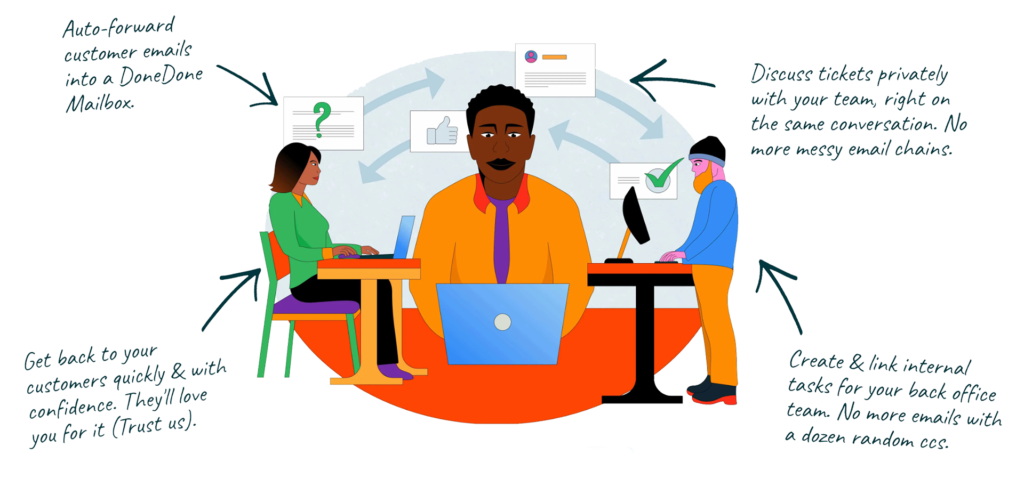
Stop losing HR, IT, and facility requests in personal inboxes. DoneDone gives your team a simple home to receive, track, and resolve company requests.
No credit card required

Give Every Request a Clear Owner
Internal requests come from everywhere.
Someone needs new equipment. A new employee needs accounts set up. There's a facilities issue. Finance needs a document. Someone needs approval before they can move forward.
When those requests arrive through email, chat, meetings, and hallway conversations, keeping track of them becomes work of its own.
DoneDone brings internal requests into one organized place where every request can have an owner, status, priority, and history.Your team knows what's new, who's handling it, and what still needs to get done.




One Place for Requests Across Your Team
Give employees a straightforward way to reach the people who can help them.
Create dedicated addresses like:
- it@
- hr@
- operations@
- facilities@
- requests@
- office@
- finance@
Incoming emails become trackable requests in DoneDone, where your team can assign ownership, update statuses, add tags, leave internal comments, and respond without managing another messy shared inbox.
Employees can keep using email while the team behind the scenes gets a structured workflow.
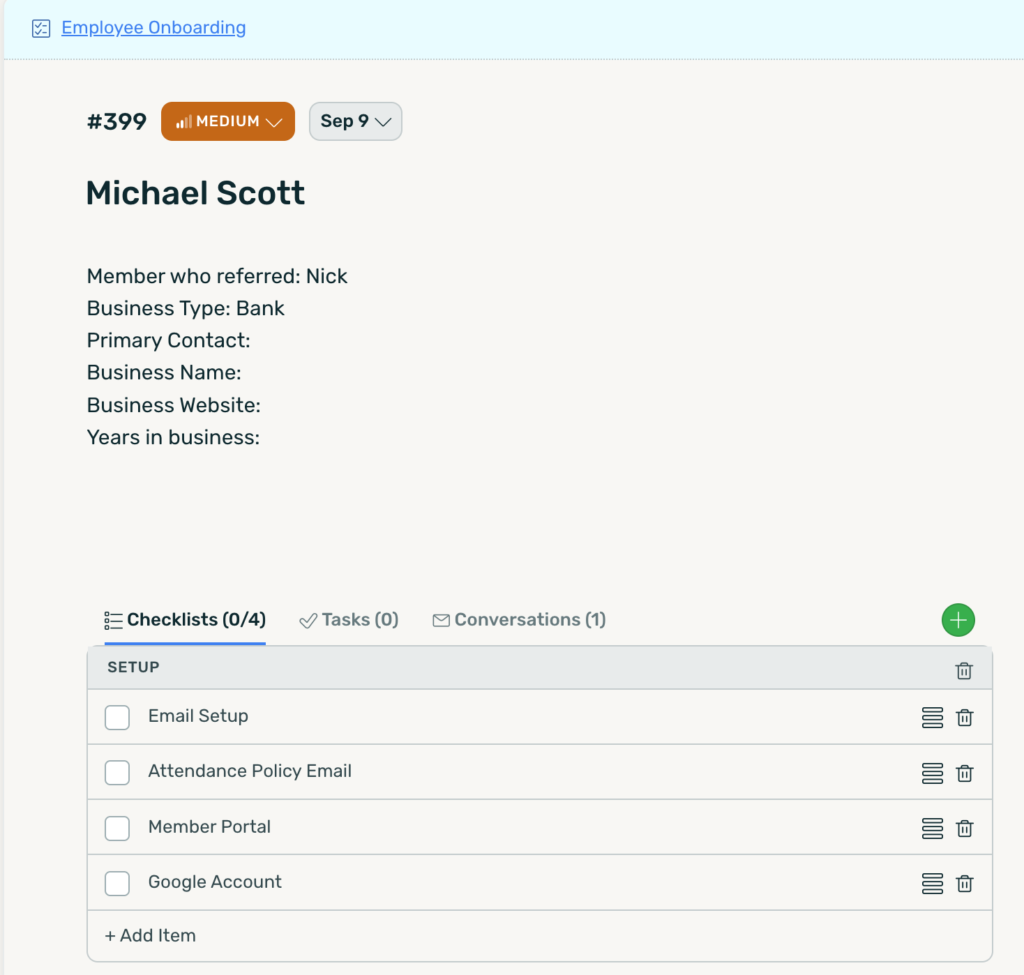
See how DoneDone’s help desk software gives small teams a simple way to receive, organize, and resolve incoming requests.
Know What's Happening Without Asking Around
You shouldn’t have to message three people to find out whether a request is being handled.
DoneDone makes the status of internal requests visible from the moment they arrive through completion.
Use filters and saved views to quickly find requests by owner, status, tag, priority, or other information your team needs. Instead of relying on someone’s inbox or memory. You have a clear record of what happened and what’s next.
When a Request Creates Work, Track That Too
Resolving an internal request often takes more than sending a response.
An equipment request might require approval, purchasing, setup, and delivery. A new hire request could trigger tasks across HR, IT, and office administration. A facilities problem might need a vendor contacted and a repair scheduled.
DoneDone lets you connect the request to the work required to complete it.
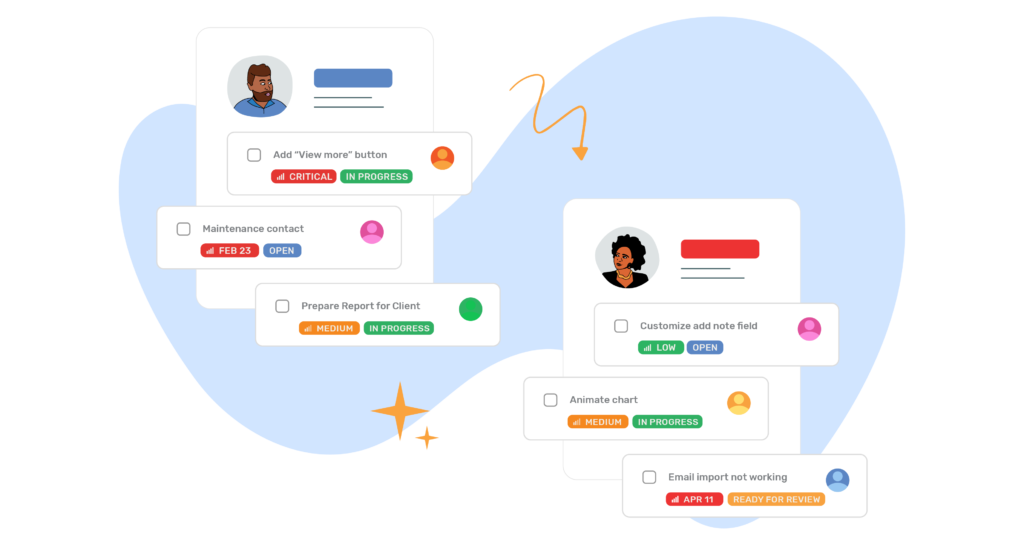
Create and link tasks, assign responsibilities, set due dates, use checklists, and track progress without losing the original request or conversation.
Explore DoneDone’s simple task management software to organize the work that happens after a request comes in.


Internal Request Tracking for Every Department
A simple request-tracking system can give different teams a better way to manage the work coming their way.
IT Requests
Track equipment, account access, software, password, hardware, and other employee technology requests.
HR Requests
Organize onboarding, offboarding, employee questions, documentation, benefits, and administrative requests.
Office & Facilities
Manage supplies, maintenance issues, equipment, room requests, vendors, and everyday workplace needs.
Operations
Centralize cross-functional requests, approvals, administrative work, and operational follow-ups.
Finance
Keep purchase requests, billing questions, reimbursements, documents, and approval-related work from getting buried in email.
How work actually gets done with DoneDone
It takes about a minute to understand, and even less to start.
Capture requests, assign ownership, and track work from start to finish, without switching between tools.
Work comes in
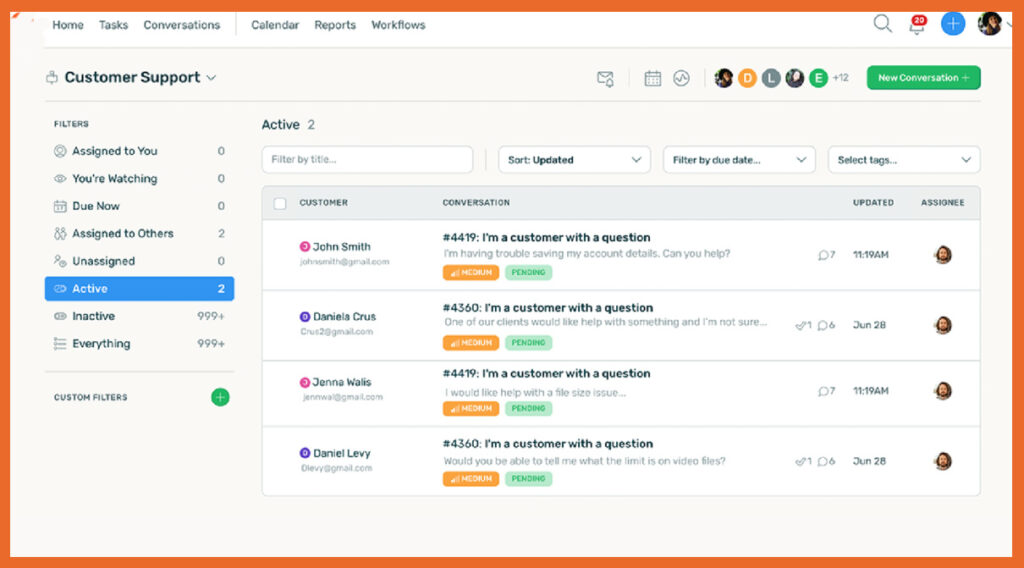
Emails, requests, and tasks flow into one shared place.
It’s clearly owned
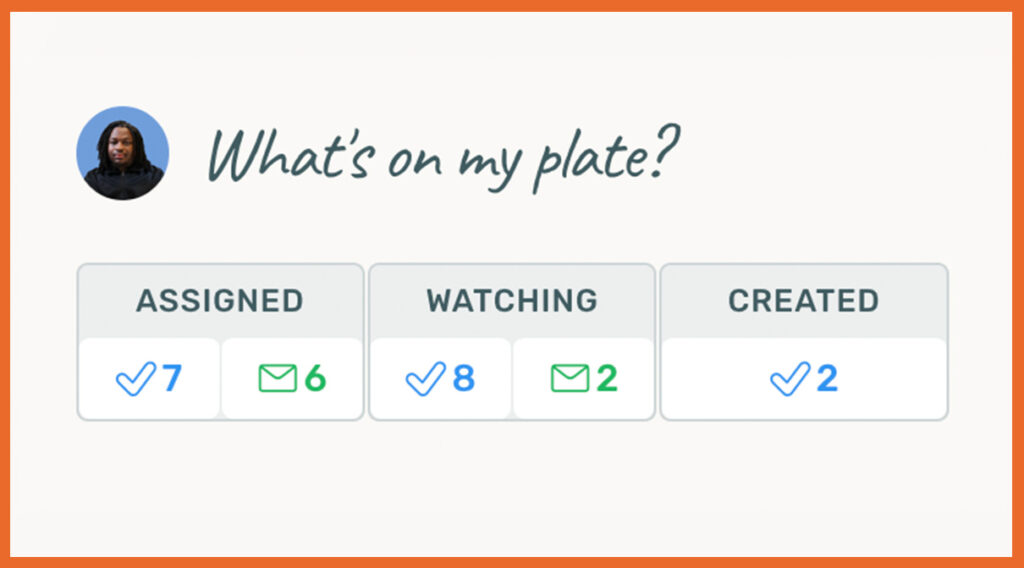
Assign responsibility so nothing slips through. Everyone can see what’s open and who’s responsible, without follow-ups or guessing.
It gets DONE
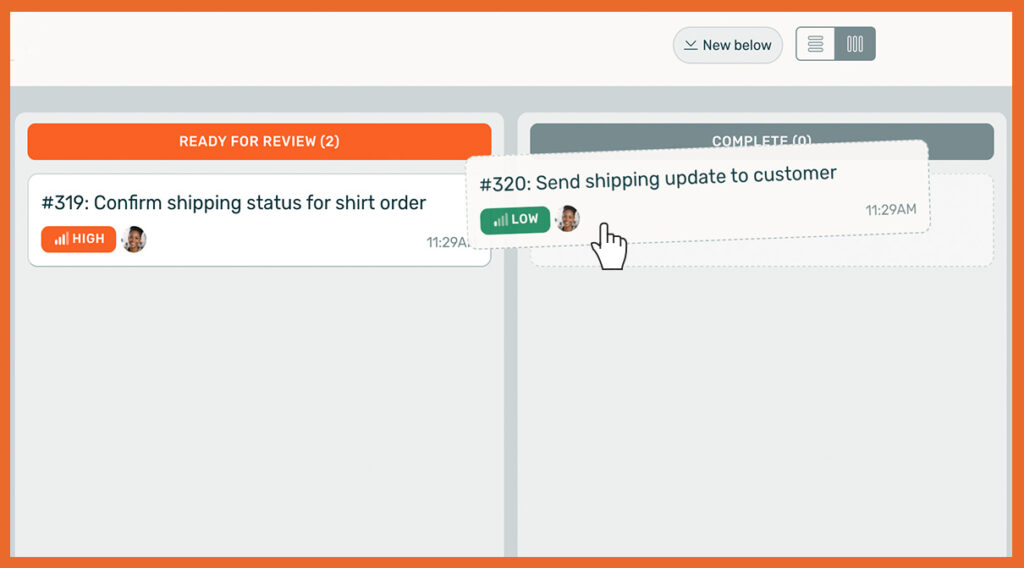
Track progress and know exactly what’s complete. No digging through email. No wondering what happened.
DoneDone connects the entire flow of work
From the moment a request comes in to the moment it’s completed
Your team can do more.

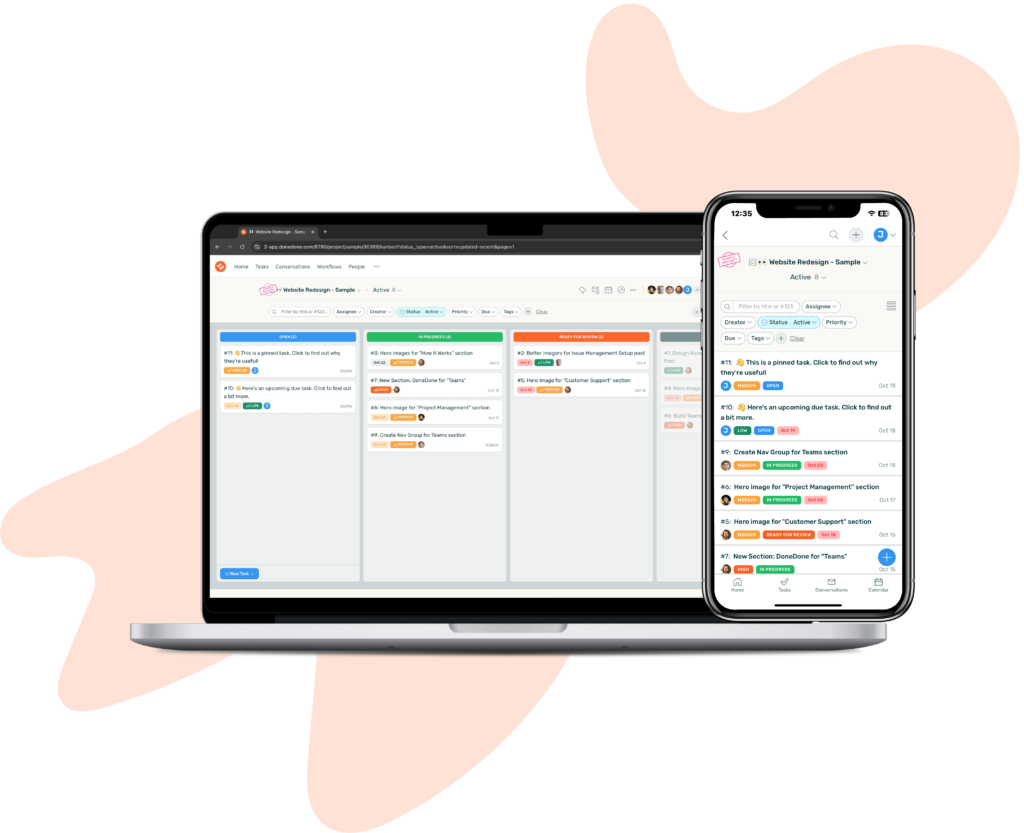

Stop losing requests. Start tracking work.
Get set up in minutes. No credit card required.